Eink wireless Do Not Disturb sign
completedA wireless e-ink do-not-disturb sign connected to my MacBook, using a T5 e-paper ESP32 module and a macOS menu bar app.
Notes
I work from home, and my kids (and other people in the house) never quite know if I'm in a call or not. Sometimes I'm just listening, sometimes I'm actively talking — either way, they'll walk into my office or call me from behind the door.
This project is a simple fix: a wireless do-not-disturb sign that syncs with my Mac. A macOS menu bar app reacts to status changes and sends the state to a T5 e-paper ESP32 module, which displays a nice image accordingly.
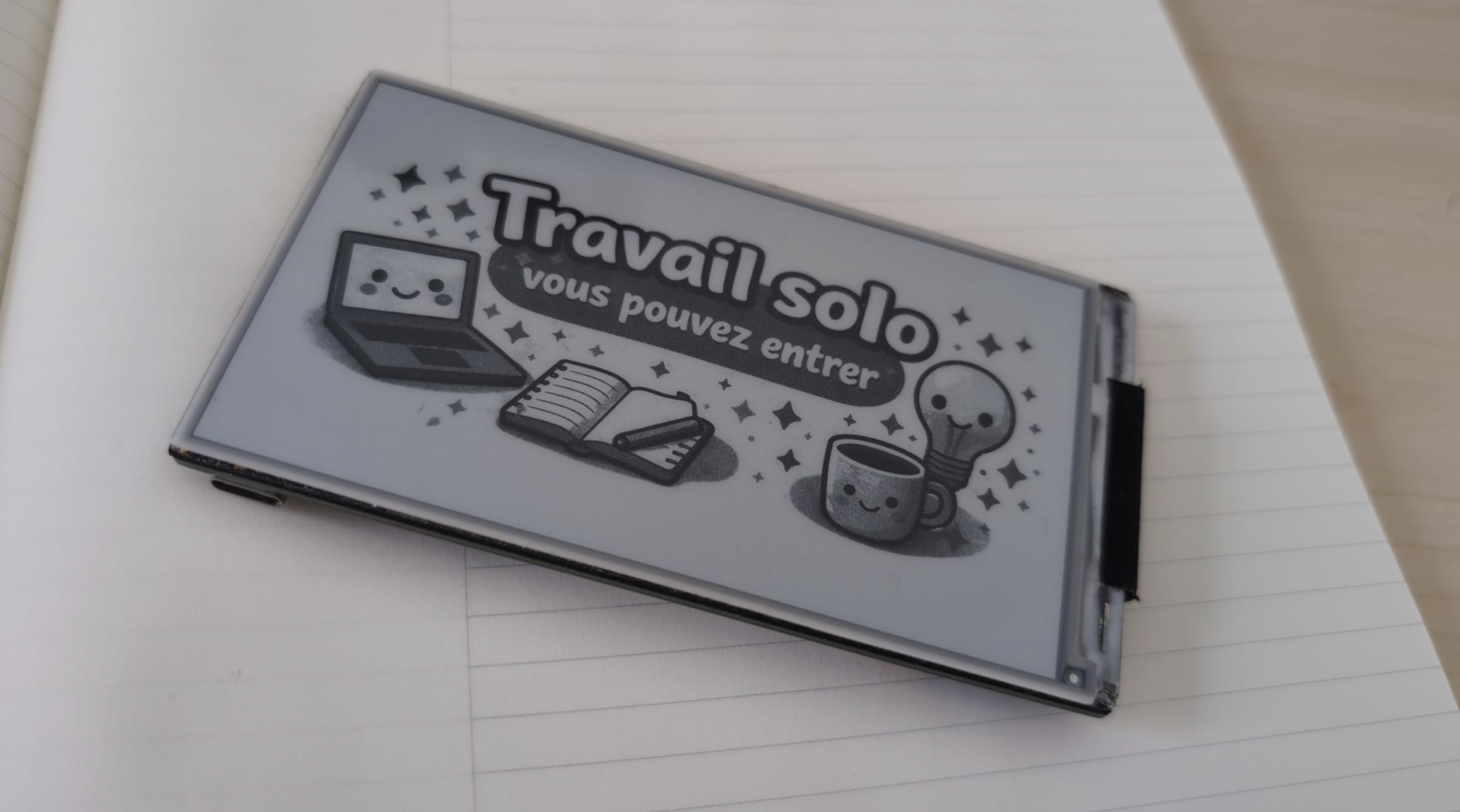
One of the main challenges was battery life — unfortunately there's no power outlet next to my office door, so the sign needed to run entirely on its own. E-ink helps a lot since it doesn't draw any power once the image is set. Combined with deep sleep and careful power configuration, the device lasts more than a week on a single charge with a 1100mAh battery, and I get a notification on my MacBook when it's time to recharge.
Still need to 3D print the case.